
I watched some youtube videos on the basics of using App Inventor because I was struggling to get apps to run on the emulator in class, because the blocks weren’t properly connected; this is the link to the youtube playlist that I watched https://www.youtube.com/playlist?list=PL_YmErQTDFOsr3p4gzU-KILxG8UGg5xN6
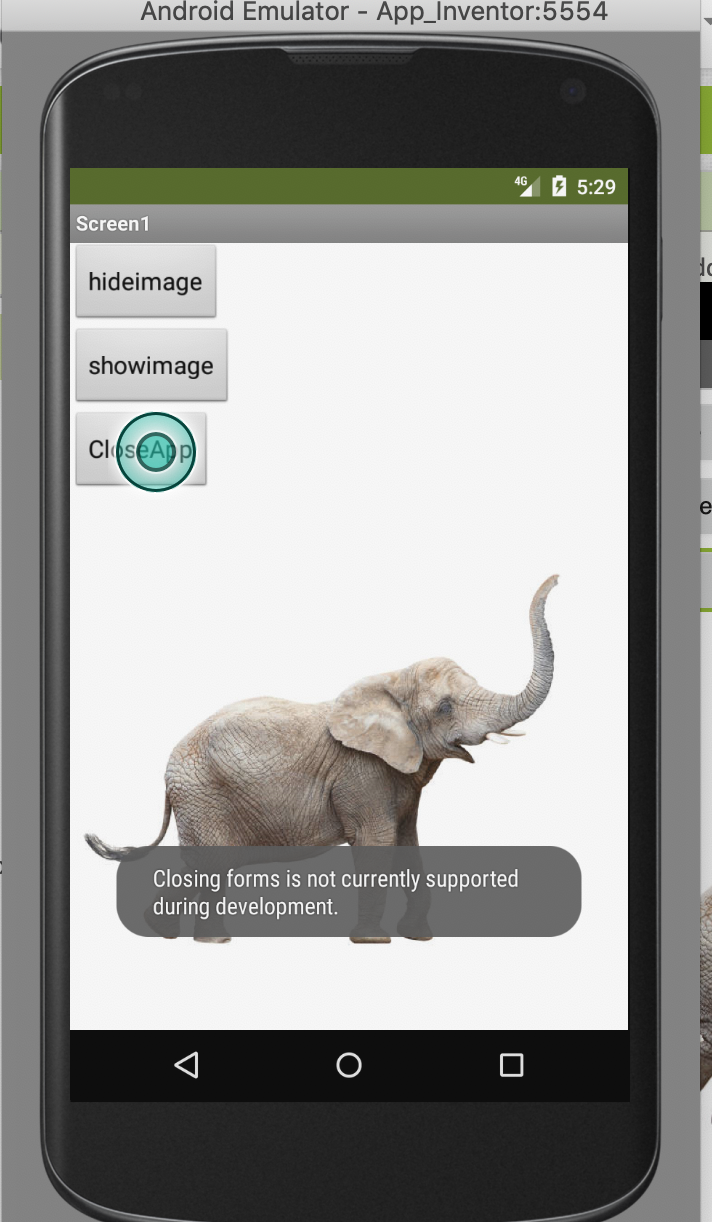
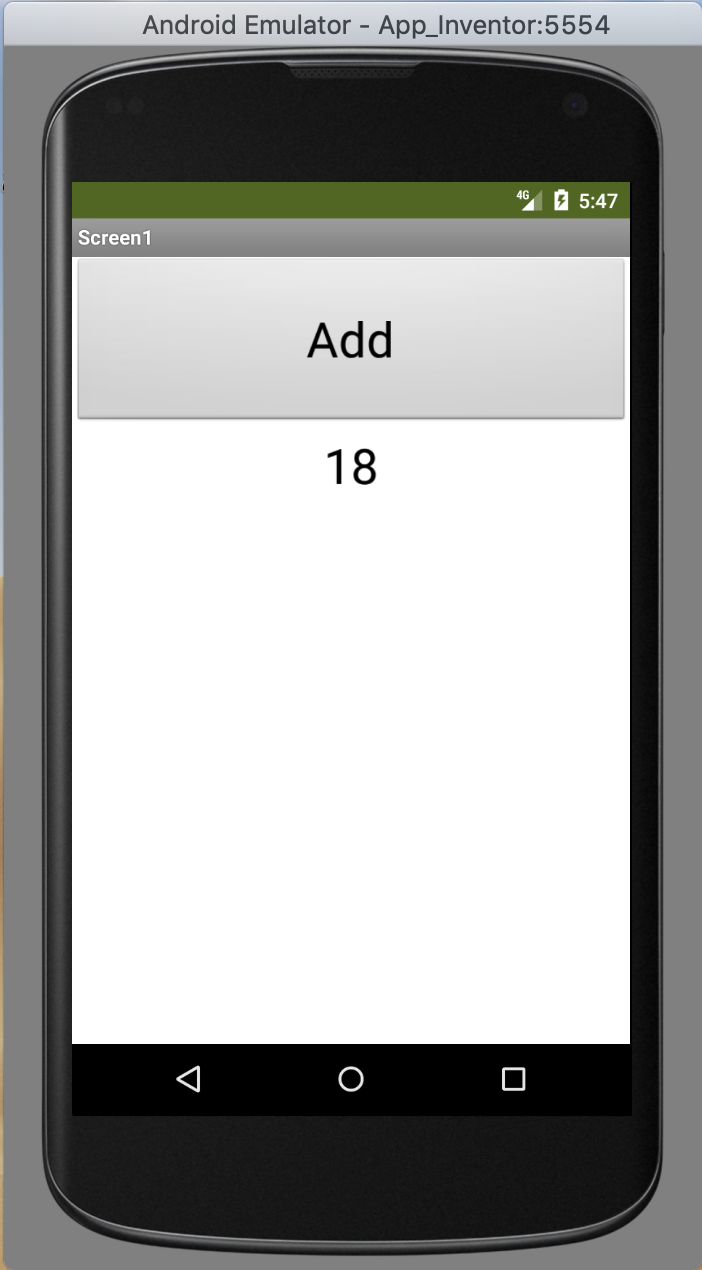
The first application that I was able to create and successfully run on the emulator had two buttons and an image. One button would make the image disappear while the other made it reappear. To add to this, I added another button which was supposed to close the running application when pressed, but the emulator did not support this (included screenshot below). Next, I made an application that would count how many times a button was pressed. Similarly, I made an application where pressing a button would generate a random number between 1 and 10 below the button. Following one of the videos from the playlist above, I also made an application that would generate random colors. Creating this took a bit more time than the others, because it required a lot more blocks, but the video was helpful in explaining the process. Overall I am already feeling more comfortable using this website, and can see it is pretty simple and it just requires some practice.

 blog 1